LoungeConnected
Lounge light
On
Loading page…
Choose a site, control the devices in your space,
and follow each request through to its result.
Review bookings and energy records in the same workflow.
We will guide you through connecting your site after sign-up
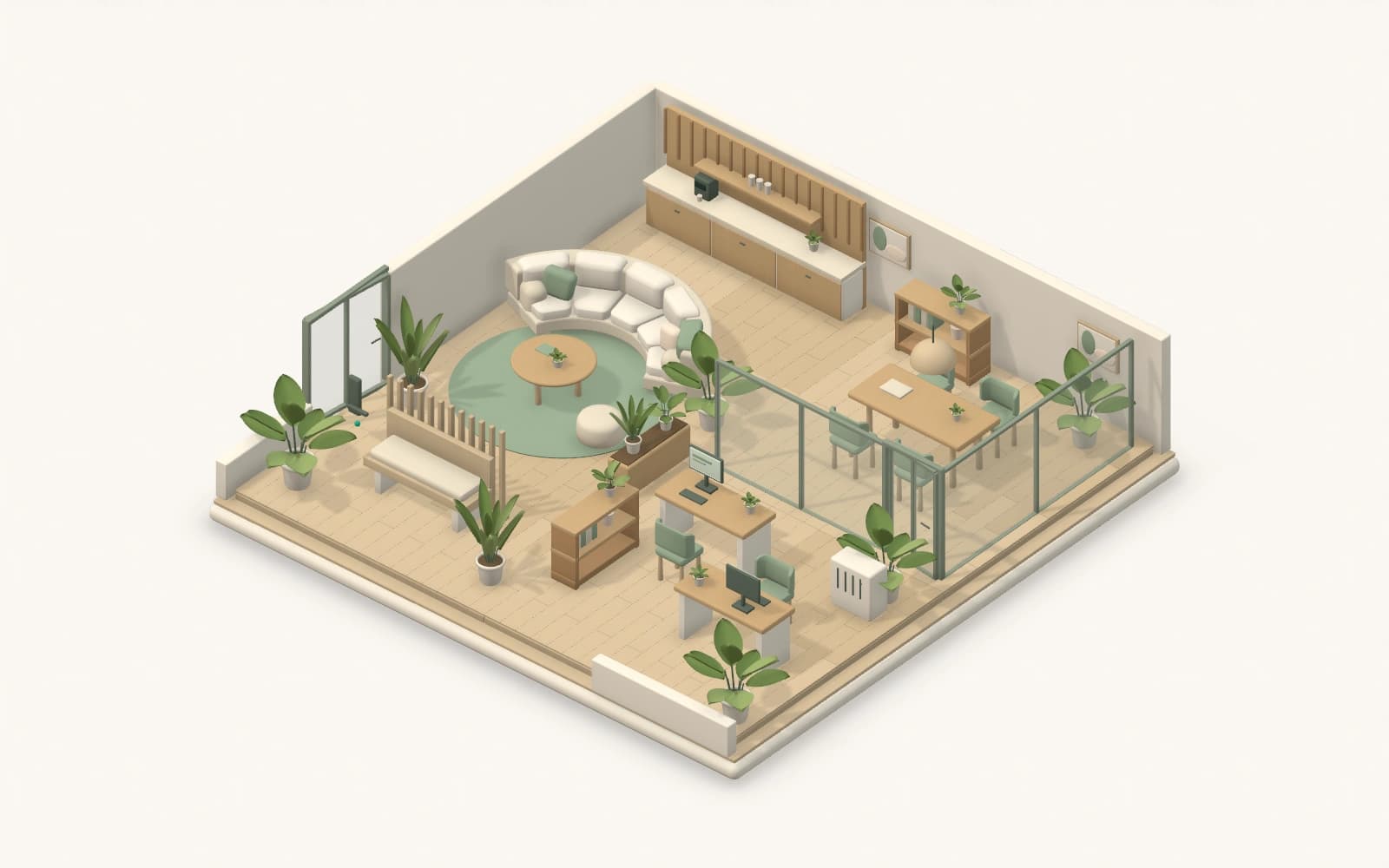
Illustrative example space · This is not live site data.
Lights, plugs, and power data spread across your spaces.
Find devices by their familiar shapes and see the status you need at a glance.
All spaces · 6 devices
This is an illustrative example. These buttons only work on this screen and do not control real devices.
Find the right device in the right room. Choose a room from the space cards to see its current status and available controls together. Switch to the 3D view to explore the layout.
Turn on the lights before opening, and switch off the power at the end of the day.
Connect schedules and conditions to create the right operating rhythm for your space.
Turn off the lounge light every day at 10 PM.
Illustrative animation · No schedules or device commands are created.
Actions depend on device capabilities and site settings. Check execution status and partial success separately.
From current power demand to daily usage and changes over time, understand your energy with data instead of guesswork.
Devices with overlapping metering scopes are not added together arbitrarily.
Booking example · Not actual booking data.
Organize schedules by space and follow each booking from start to finish.
Access example · Not actual access permissions.
Connect bookings with access permissions. Available after supported lock models are verified and accepted by the provider.
Settlement example · Not actual payment or refund records.
Record payments and refunds in the operations ledger and review the details for each booking.
Use onmaru’s basic connection to find devices, check their status, and control supported devices.
Requires supported devices and an internet connection. Follow the installation guide to prepare your site and assign devices to spaces.
Preparations are underway to connect electricity usage records. Real data queries are not currently available.
Requires customer, contract, meter, and consent references, API access permissions, and a synchronization agreement.
Preparations are underway to connect bookings and access. PIN issuance and control of real devices are not currently available.
Requires supported locks and models, space connections, provider authentication, and model acceptance.
Start by connecting one site together.
Use a pilot to see how it fits your daily operations.
Verify your email to create a new organization, or accept an invitation to an existing one.
Follow the installation guide to prepare your site and assign devices and cameras from the basic connection to your spaces.
Verify status checks, remote control, and usage data at your site.
onmaru is a space operations service for device control, automation and energy monitoring. Explore supported devices, connection requirements and setup options.
The basic device connection supports lighting and smart plug control, along with power and cumulative energy data collection. Device compatibility can be confirmed in a consultation.
Sign up through Get started and verify your email to create a new organization. Follow the installation guide to connect your site, or request a consultation to check its connection environment and device compatibility.
Remote control and automation are unavailable when the internet or provider connection is lost. Disconnected devices and unconfirmed commands are shown separately, and unconfirmed commands are not resent automatically. Historical data does not overwrite the current device status.
The operational screens on this page use example data for illustration. You can view your site’s actual status and usage after connecting its devices.
The devices you want to manage. The work you want to simplify.
Let’s find the right way to get your space started.